
Need help? Open a support ticket and include the domain name, current registrar, and any error message you see. Do not share passwords in the ticket.
This guide covers the standard domain transfer process. Use the provider-specific articles below if your domain is at GoDaddy, Namecheap, Cloudflare, Shopify, Squarespace, Wix, Bluehost, or HostGator.
Before you start
- Make sure the domain is eligible to transfer. Many registrars block transfers for 60 days after registration, transfer, or some contact changes.
- Make sure the registrant/admin email address is current and accessible. Transfer approval and auth-code messages usually go there.
- Unlock the domain at the current registrar.
- Get the authorization code, EPP code, auth code, or transfer key from the current registrar.
- If the site is already live, review DNS before checkout. Nameserver/DNS changes can be limited while a transfer is active.
- Do not cancel the old account or hosting until the transfer and DNS are confirmed working.
Transfer checklist
- Sign in to the current registrar.
- Open the domain management page for the domain you want to move.
- Confirm the contact email is correct.
- Unlock the domain for transfer.
- Copy the auth/EPP code.
- Start the transfer order at High Octane Hosting.
- Approve any confirmation email from the current registrar.
- Keep checking the transfer status until it completes.
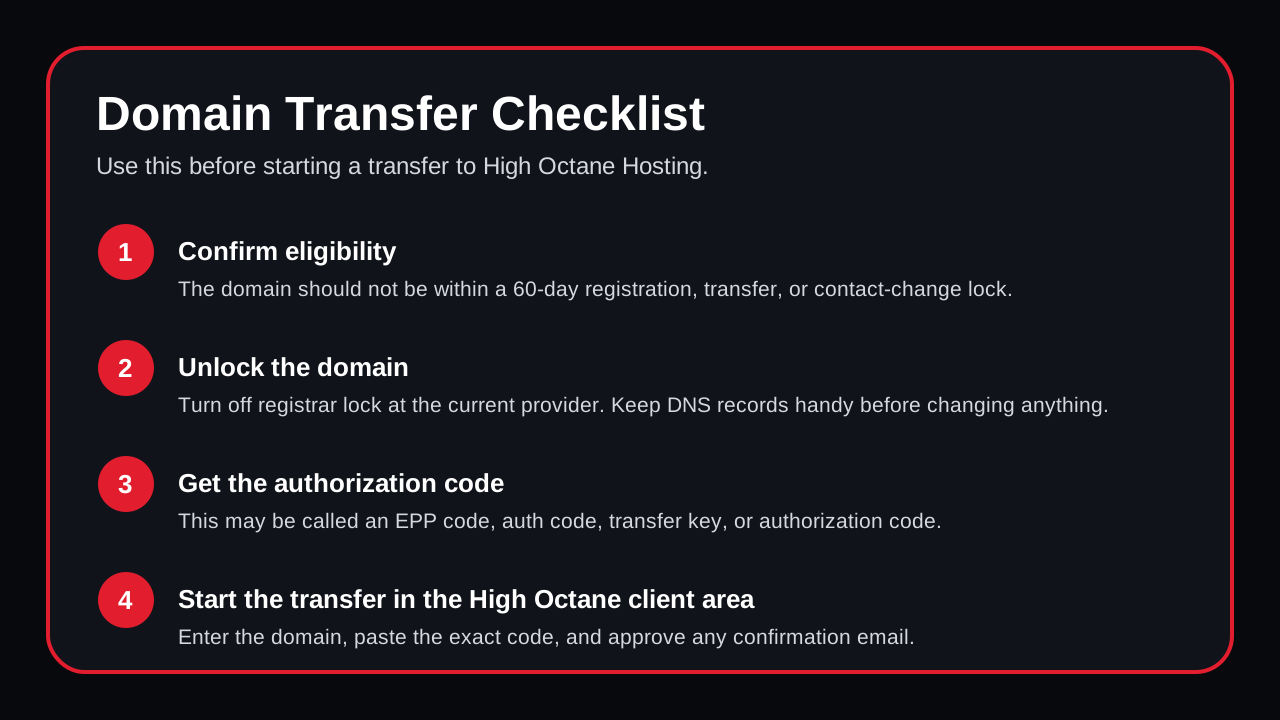 Visual checklist for the basic transfer sequence.
Start the transfer at High Octane Hosting
- Open the High Octane Hosting domain transfer page.
- Enter the domain name without
https://orwww. - Paste the authorization code, EPP code, or transfer key from your current registrar.
- Add the transfer to your cart and complete checkout.
- Watch the registrant email address for approval messages from the current registrar and the registry.
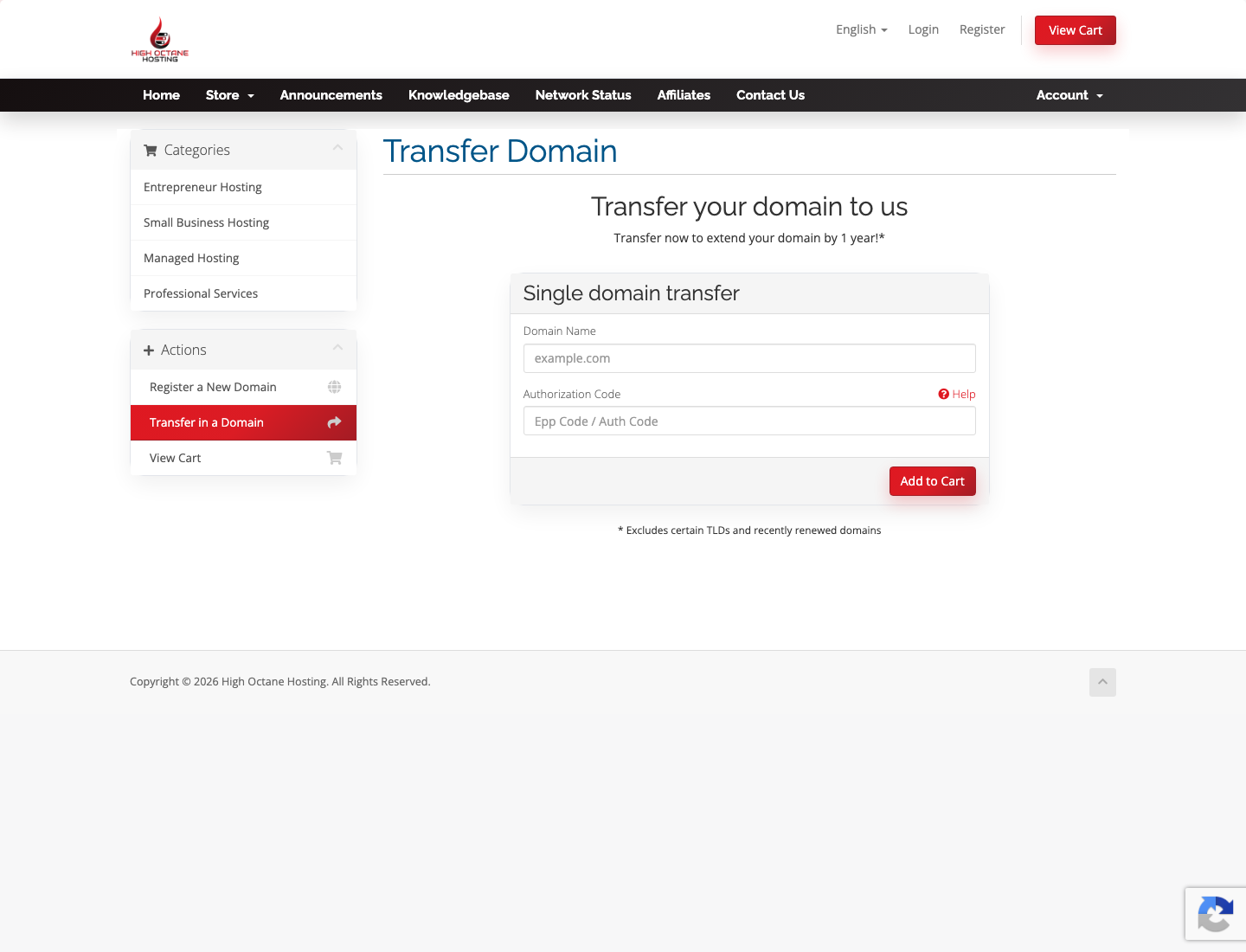 High Octane Hosting transfer form. Use this after you unlock the domain and copy the provider auth code.
Common delay: the auth code was copied with an extra space, the domain is still locked, or the approval email went to an old registrant address. If any of those happen, update the current registrar first and then retry the transfer.